Your first class
Let's create a class that prints a message when its node enters the scene tree.
Create src/main/kotlin/com/yourcompany/game/Player.kt:
1 2 3 4 5 6 7 8 9 10 11 12 | |
Create src/main/java/com/yourcompany/game/Player.java:
1 2 3 4 5 6 7 8 9 10 11 12 13 | |
Create src/main/scala/com/yourcompany/game/Player.scala:
1 2 3 4 5 6 7 8 9 10 11 12 | |
This small example already shows the main building blocks:
@Scriptmakes the class available to Godot.- Inheriting
Nodemakes it a Godot script class. - Overriding
_ready()runs code when the node enters the scene tree. GD.print(...)writes to the Godot output.
Now trigger a build:
1 | |
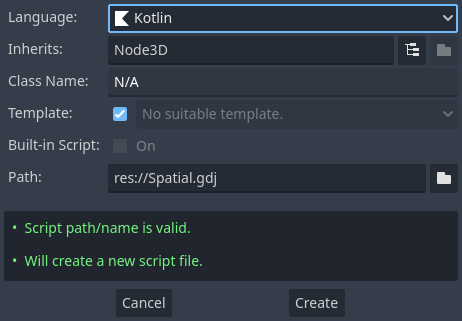
After the build, attach the source file (Player.kt, Player.java, or
Player.scala) to a node as you would attach a GDScript. Its filename, without
the extension, must match the simple name of the script class: Player.kt
declares Player.
If you rebuild while the editor is open, your classes are reloaded automatically.
Info
JVM languages are compiled. Godot cannot use a newly created or changed class until its build succeeds.
The signals and callables guide is a good next step once this class works. For complete control over which declarations Godot sees, read the registration guide.
Final project structure
Depending on the language, the source file belongs in one of these roots:
1 2 3 4 5 6 7 | |
1 2 3 4 5 6 7 | |
1 2 3 4 5 6 7 | |